Recently, I was asked if it was possible to have a question included in a macro that would not show to the user in the configuration window.
In this case, the user was trying to create a random seed value to pass into the Create Samples tool. The way he had it worked out was to create the random seed value in a formula tool and then pass that into a Drop Down question to update the Create Samples tool.
This method worked just fine, except it showed an extra question in his macro configuration that he didn’t want the end user to see since they couldn’t change anything.
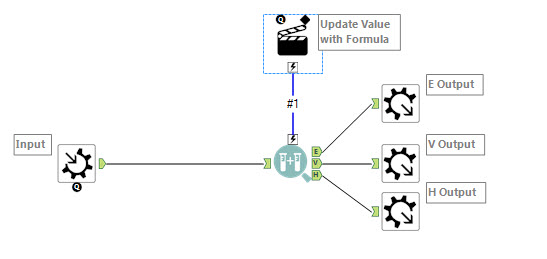
As it turns out, you can use an Action tool without a question to achieve this task. Simply connect the Action tool (in the Interface category of your palette) to the desired tool - in this case, the Create Samples tool -- and configure it as planned.
As an example, we are going to create a macro. First, insert a macro input tool onto the Canvas and create a dummy input. This creates a random seed value.
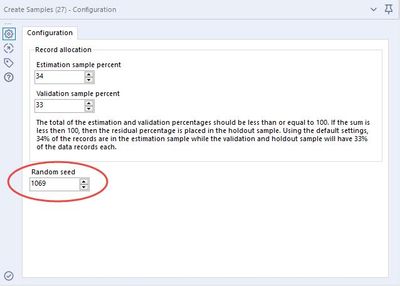
When you run this macro as a workflow, it won’t return any results, but you when you open Interface Designer and select “Open Debug”, you can view the random seed value change.
Here is the workflow and Action tool configuration:
Configuration of the Create Samples tool in the Open Debug workflow view:
Try to build this macro yourself following the instructions above!