Summary
Environment
Issue
Beginning in the 2021.1.4 release, the virtual environment for the Python tool has been changed to "DesignerBaseTools_vEnv". Therefore, running a workflow containing a Python tool created from Designer version 2021.1.4 on a Server version 2021.1.3 causes the following error:
Failed to find virtual env named: "designerbasetools_venv"
The error occurs when saving the workflow to the Gallery.

The same error occurs if you run the workflow.
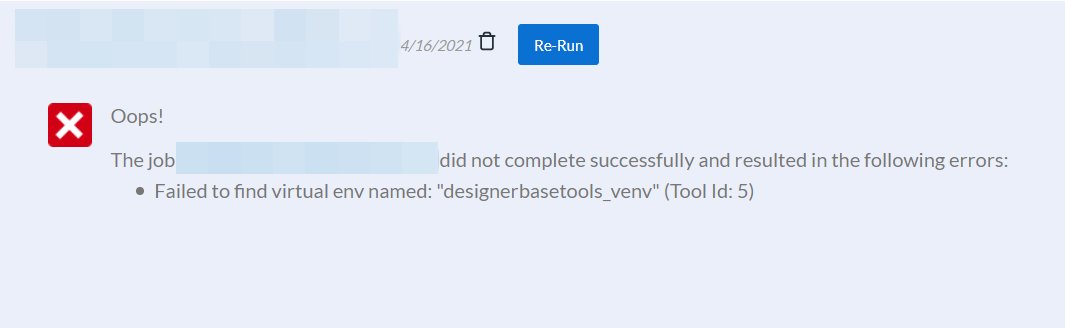
This error will also occur when running a workflow created in Designer 2021.1.4 on Designer 2021.1.3.

Environment
- Alteryx Designer
- Version: 2021.1.4
- Alteryx Server
- Version: 2021.1.3
Cause
In 2021.1.4 release, the virtual environment for the Python tool has been changed to "DesignerBaseTools_vEnv". "JupyterTool_vEnv" is no longer used. With this change, saving a workflow to Gallery or running a workflow from a Designer of a different stable release than the server will cause an error.
Resolution
Here are the options to address this error:
- Upgrade the server to version 2021.1.4 if there is a mix of Designer releases (2021.1.3, 2021.1.4).
- If the server needs to be on 2021.1.3 for a reason, then ensure all Designer versions are version 2021.1.3.